Meet the MemriBank Drive
A little drive.
A lot of life.
The photos from the cookout. The graduation clips. The videos you never want to lose. Give them a place outside your phone, with no monthly plan required.
What you get
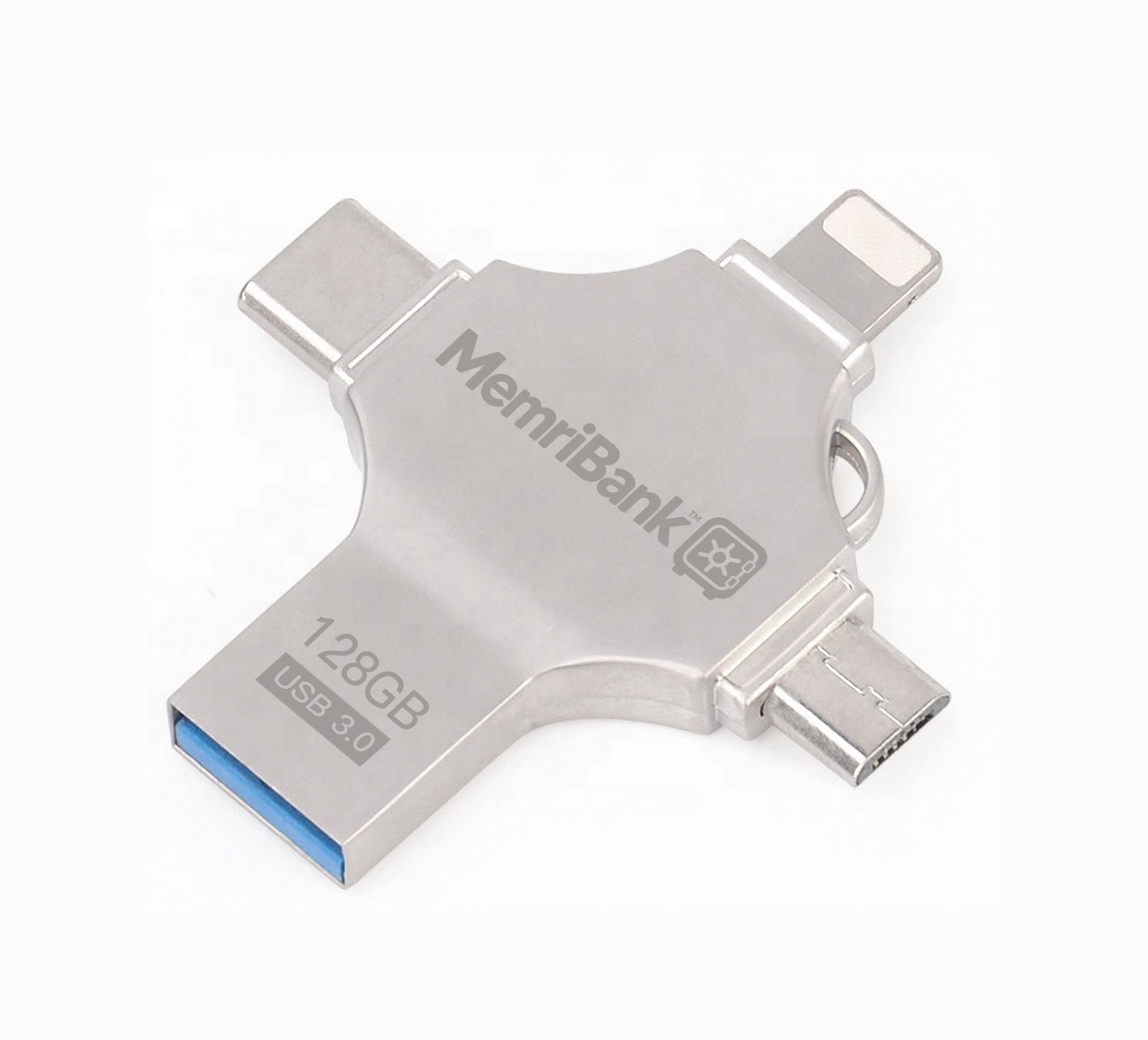
- 128GB physical storage
- Four connector ends
- No mandatory cloud plan
- Keep original files
One drive, one size. We make exactly one model so the testing we publish applies to the drive you receive.
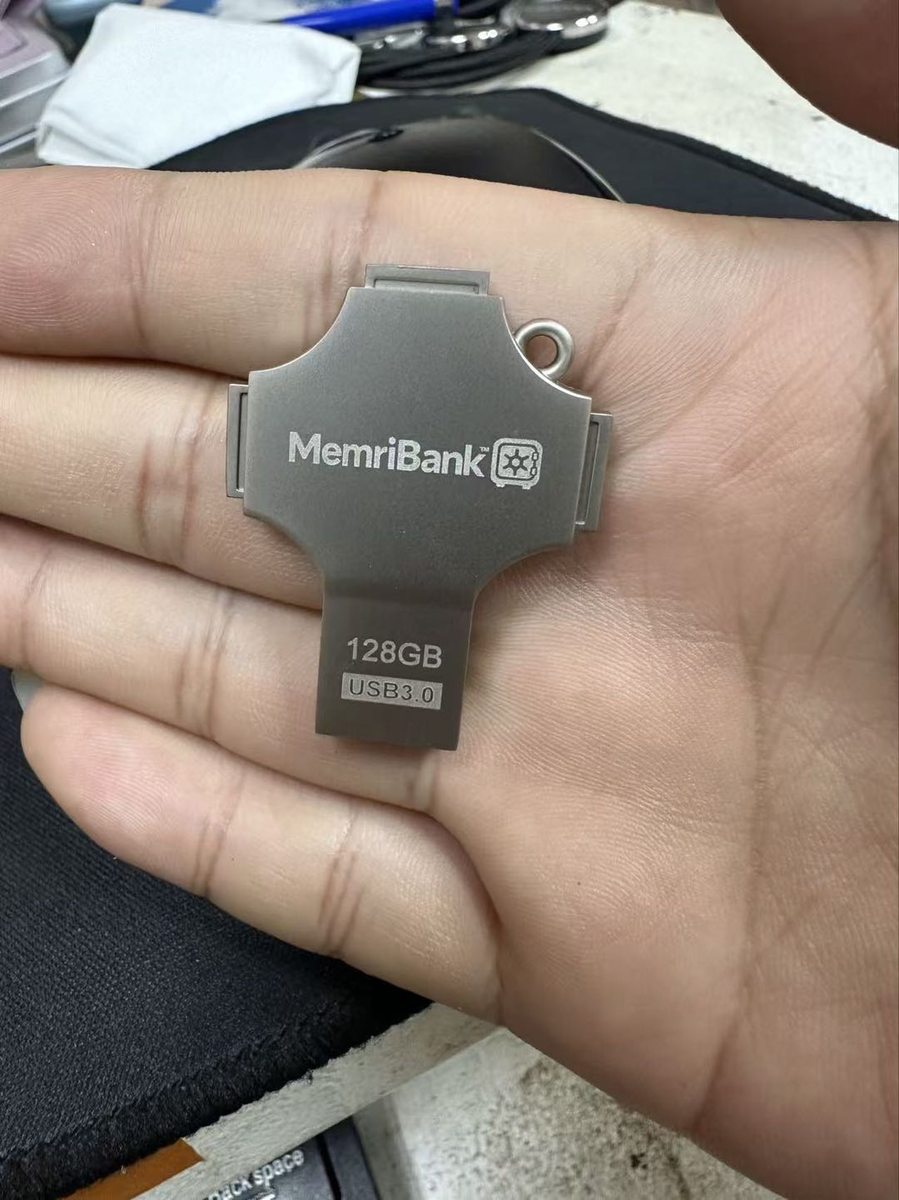
Photographs show the actual branded 128GB hardware sample. Connector compatibility and backup workflows are confirmed by device testing before each claim is published.
Order
MemriBank 128GB
The first run of 200 drives is being tested and prepared. Leave your email and we will tell you the moment ordering opens, with the price.
Shipping estimate is published with the price. See shipping and returns.
In the box
- One MemriBank 128GB drive with four connector ends
- Quick-start card pointing to memribank.com/support/get-started
Final box contents, warranty and return terms are confirmed before ordering opens.
Specifications
- Capacity
- 128GB (usable capacity published after full-write verification)
- File system
- Testing in progress exFAT/FAT verified during hardware QA
- Connectors
- USB-A, USB-C, Lightning-shaped, micro-USB
- Subscription
- None required
Connectors
Four ends.
One drive.
A connector that fits your phone is not the same as your phone giving an app access to the drive. We test each one and publish the result.
Compatibility
| Connector | Typical devices | Status |
|---|---|---|
| USB-A | Desktop and laptop computers | Testing in progress |
| USB-C | Recent Android phones and tablets, recent iPhones, laptops | Testing in progress |
| Lightning-shaped connector | Older iPhones. Physical fit is not the same as data access; see note | Testing in progress |
| micro-USB | Older Android phones | Testing in progress |
Device testing is in progress. We publish exact phone models, OS versions and known limitations here as each one passes or fails. A connector that fits is not a promise that your phone will mount the drive.
How to back up
Pick. Copy.
Verify.
Every backup is checked file by file. The app shows exactly how many files were selected, copied, skipped or failed, and never deletes anything from your phone.
- Plug the drive into your phone or computer. On a computer it shows up like any flash drive.
- Choose what to back up. Albums, a date range, or hand-picked photos and videos.
- Watch the copy. Pause, resume, or unplug; the next run picks up where it left off without duplicates.
- Read the receipt. Selected, succeeded, skipped, failed. Nothing is counted as done until its checksum matches.
Questions
Before you buy
Do I need the app?
No. On a computer the drive works like any flash drive. The MemriBank app adds verified, resumable backups from your phone. App availability.
Does it work with my iPhone?
USB-C iPhones use the system Files app to copy originals once the drive mounts. Older iPhones with the Lightning-shaped connector are being tested; we will not publish a claim until it works on real phones. Compatibility.
Is my data encrypted on the drive?
No. The drive stores plain files so any computer can read them. Protection of the drive is physical: keep it somewhere safe and keep a second copy of anything irreplaceable.